
Video tools

Freeze Frame

Pause a video moment with a clean hold or a skull edit overlay.

Open the editor ↓
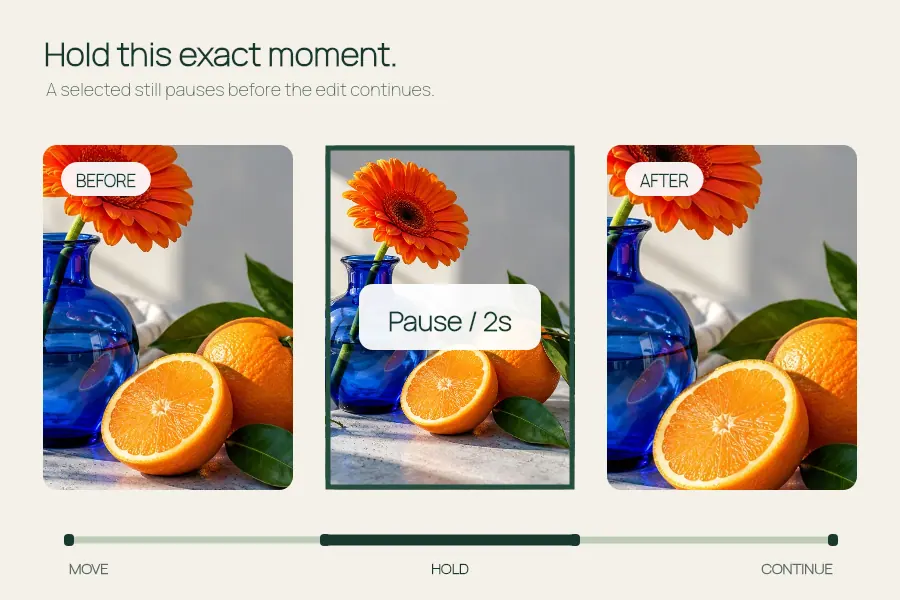
Freeze Frame visual example: Pause a video moment with a clean hold or a skull edit overlay.
An illustrated example of what you can make with this tool.
01 / EDIT

Make it yours

Media and effect settings

One video (up to 60 seconds / 40 MB) or one photo.

Media stays in your browser. Output is 540 px at 24 fps, 6–12 seconds. MP4 or WebM depends on browser support; use H.264 MP4 if a video fails to load. Original video audio is removed; add a soundtrack below. Keep this tab visible during export.

A photo zooms into the freeze effect. Upload a video to freeze an actual video frame.

Shake affects the frozen image only. Set it to 0% for a still hold.

Use audio you have permission to use, up to 20 MB. Without audio, export is silent. Preview does not play your soundtrack.

02 / PREVIEW

Preview your video

+

Add your first file

Choose your own files or try the sample images.

Waiting for files540 px output
0.0 / 8s

Processed in your browser · No media upload

Export locally without an API key. The video format depends on your browser.

MAKE IT YOURS

From a small idea to a finished file.

Start with the original sample or add your own photos or video. Set the timing, preview your edit and export the actual format supported by your browser.

  1. 01Start with somethingTry the included sample, or bring your own.
  2. 02Find your versionAdjust a little. See the difference immediately.
  3. 03Take it with youExport the supported file or copy the code.