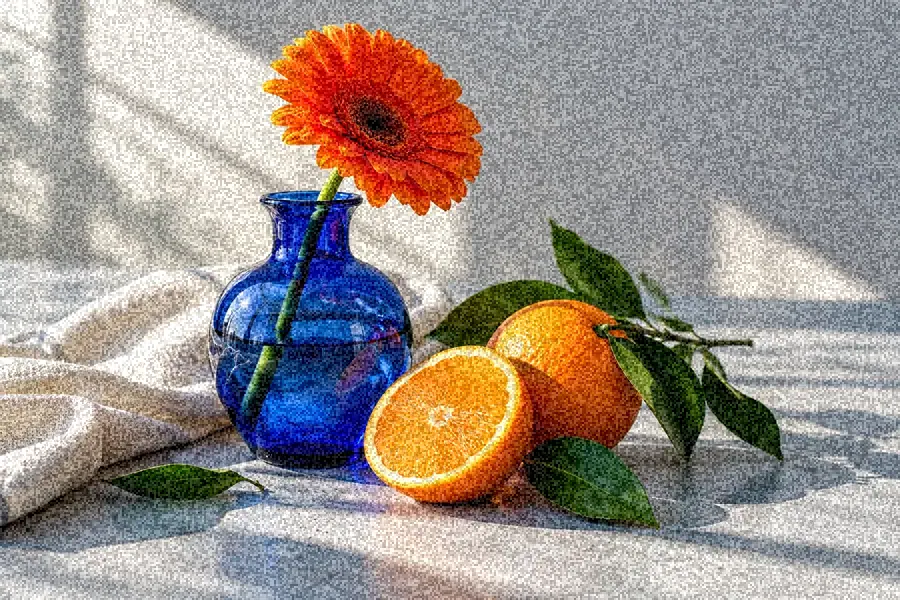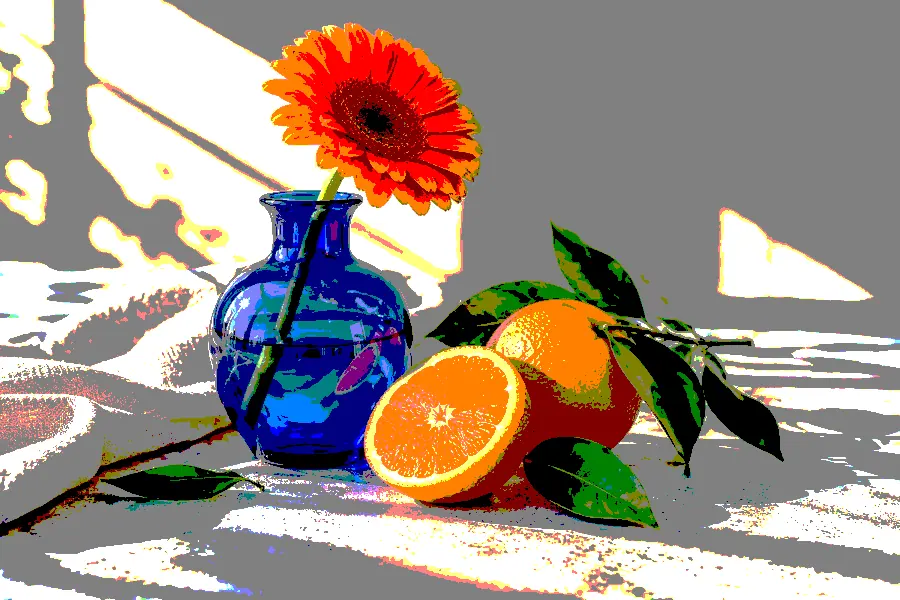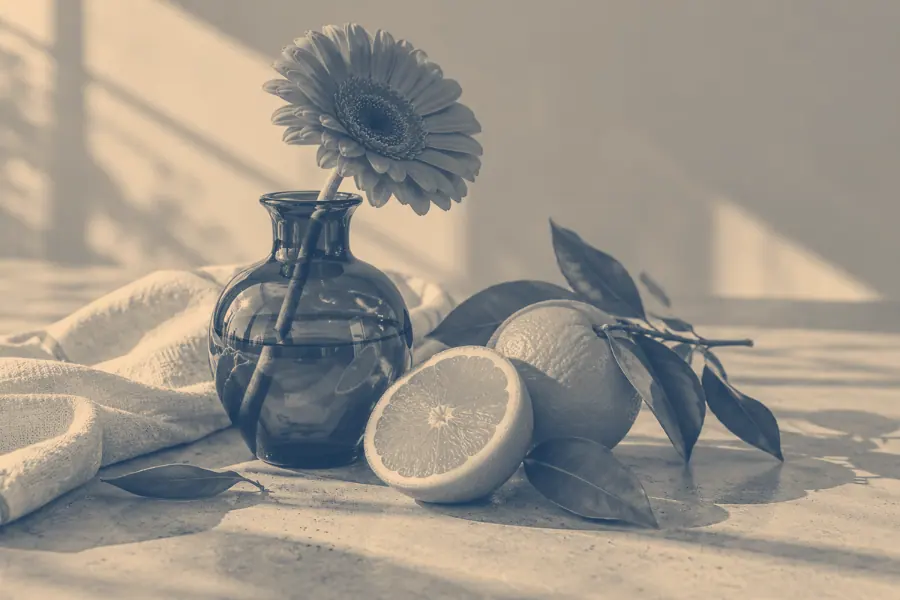
Image effects
Duotone Effect↗
Reimagine a photo in two colors you love.
Apply the Candy neural painting style to a local photo and download the result as PNG.
Open the editor ↓
A trained style transfer model gives your photo a soft, painted finish.
Up to 12 MB and 24 megapixels. The PNG keeps the photo proportions at up to 512 pixels on its longest side.
Your photo stays on this device. The first conversion downloads up to 18 MB from EffectPop.
Your photo appears here.
Your filtered photo appears here.
Open a local photo and apply a fixed Candy style-transfer model. The tool transforms texture and color across the frame, then exports a still PNG in the original proportions.
Open the editor ↑Try a simple still life, portrait or scene with large shapes. Fine text and exact brand colors can change during stylization, so leave logos and lettering for a later layout step.
Allow time for the first model download. Look at faces and important boundaries in the original and painted preview. If background detail competes with the subject, crop first and try again.
Open the download at the size you intend to use. The filter is suited to small decorative graphics. Add text or branding after the effect if it needs to remain crisp.
Accepts photos up to 12 MB and 24 megapixels. The result is a PNG up to 512 px on the longest side. The first conversion downloads up to 18 MB. Candy is a single preset style.
Choose a photo to apply the fixed Candy model. Text prompts and custom reference styles are outside this workflow.
Use Duotone to set specific light and dark colors. Use Candy when you want the model’s painting treatment.