Convert & export
Image Converter↗
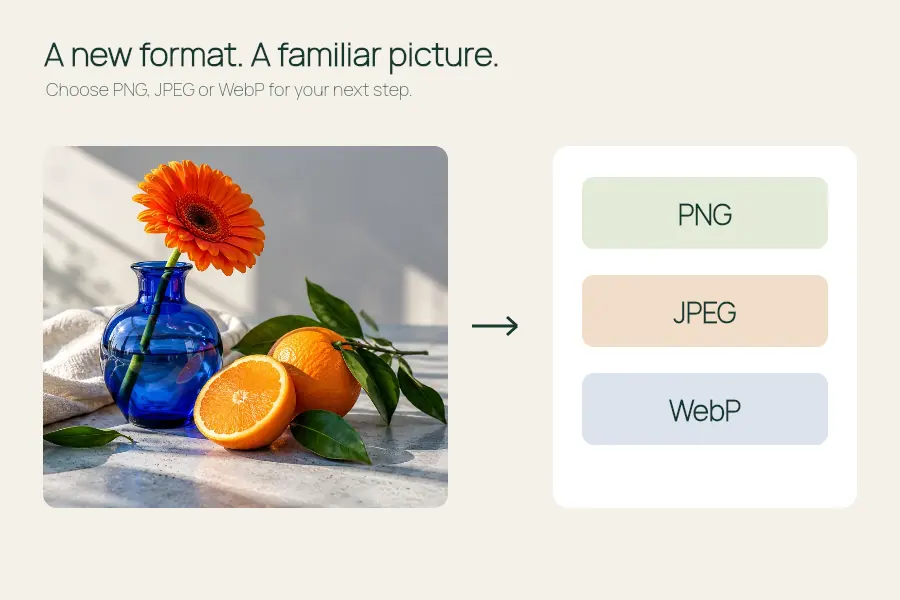
Convert browser-readable images to PNG, JPEG or WebP.
Compress up to eight images locally and download the results in one ZIP file.
Open the editor ↓
Choose up to eight PNG, JPEG or WebP images, 48 MB combined. The tool converts them to JPEG, preserves proportions and fills transparent areas with white.
Choose images that can share one long-edge cap and JPEG quality. The editor encodes each file separately, shows the result for each item and packs the successful JPEGs into a ZIP.
Open the editor ↑Choose up to eight JPEG, PNG or WebP images. Separate transparent logos or graphics that need a different format. This workflow uses a white background for transparent areas.
Pick a long-edge cap and adjust JPEG quality between 25% and 95%. Check at least one detailed photo and one small original. Compare output sizes to see which files benefit from re-encoding.
Read the status beside each source. A single failed file does not prevent the successful images from being saved. Open the ZIP and compare its contents against your original list before deleting anything.
Up to eight files and 48 MB combined input. Successful JPEG data is capped at 32 MB for each batch. The editor preserves proportions and can report individual decoding or export errors.
This batch produces JPEG files with white behind transparent pixels. Use the image converter for a PNG or a compatible WebP.
Compare the listed sizes. An original JPEG may already be more compressed than your selected output.
Convert browser-readable images to PNG, JPEG or WebP.
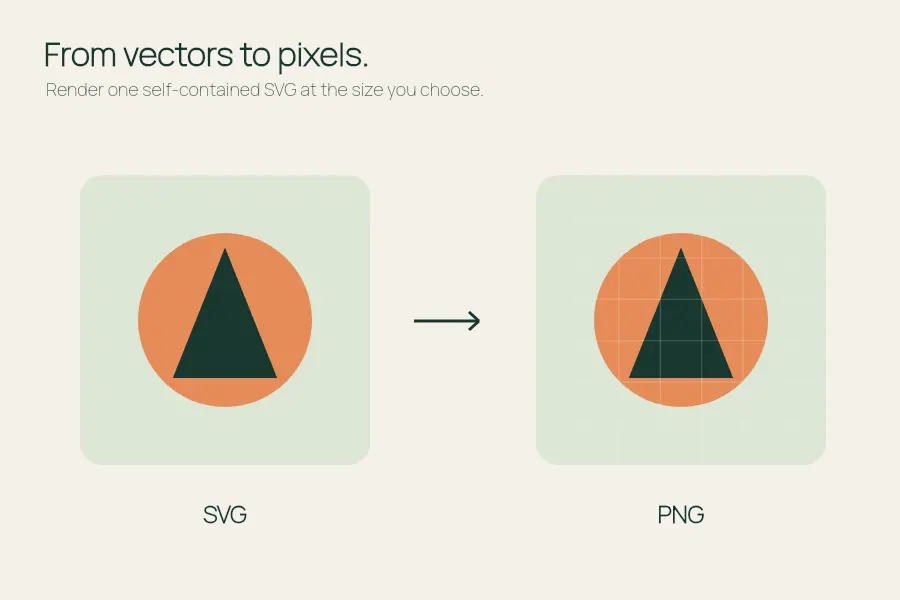
Render a self-contained SVG at the size you choose.
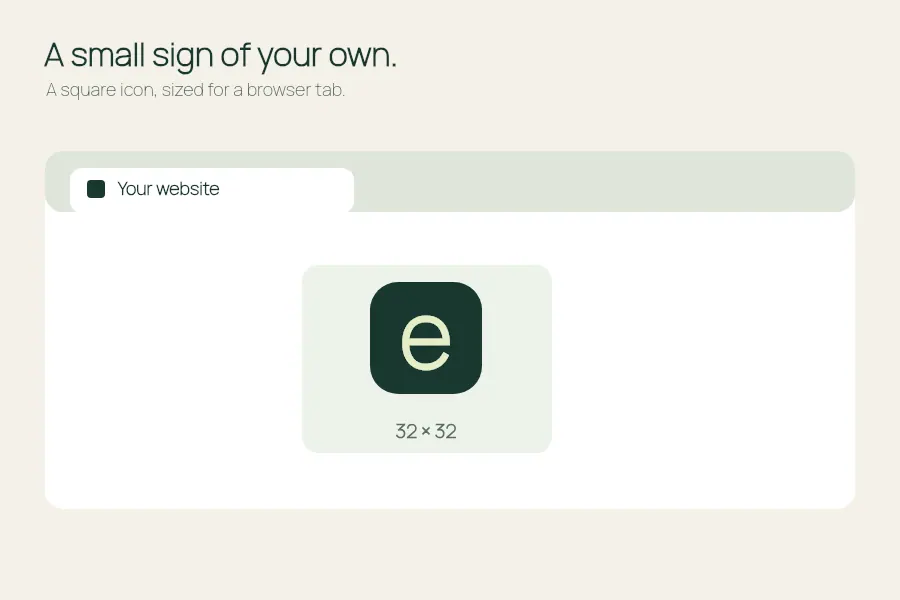
Make a square PNG or a single-size ICO for your site.
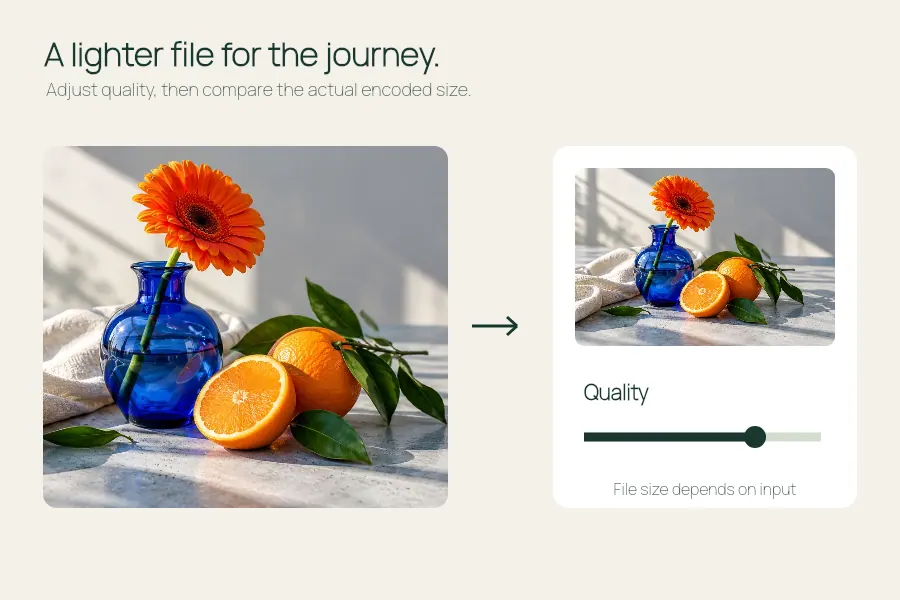
Adjust JPEG or WebP quality and compare the actual file size.