Text & social
Text to PNG↗
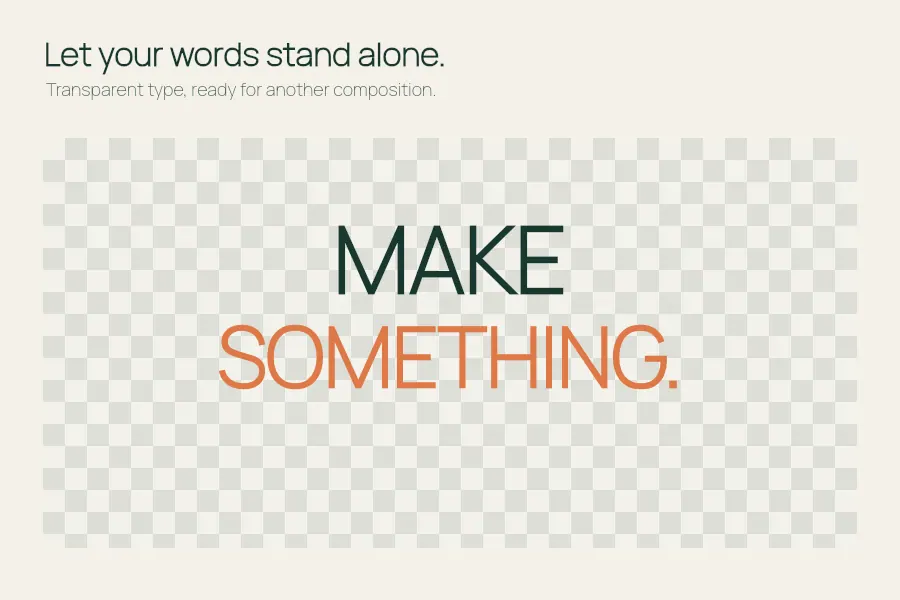
Turn a few words into a transparent image.
Review repeated openings and wordy phrases in an English or Chinese chapter. Choose the changes that fit the scene.
Open the editor ↓
Your draft stays in this browser tab. Up to 20,000 characters.
Review Chinese and English narration for wordy phrases, repeated openings and long sentences. Common dialogue, quotations, code and links are skipped. Read every suggestion in context to preserve the narrator’s voice and story details.
Review a draft to see suggested edits here.
Review wordy phrases, repeated openings and long sentences in a scene. Accept changes that preserve narrative voice and continuity. Check who acts, when a reveal happens and whether the edited paragraph still points to the right character.
Open the editor ↑Keep enough surrounding text to see where a voice or rhythm changes. If a chapter exceeds the editor limit, split it at a scene break and keep a separate copy of the complete chapter.
Read suggestions in the character’s voice. A repeated opening might be deliberate during a tense exchange. Long-sentence notes are a reason to check the pacing, even if you keep the sentence intact.
Compare the result with your outline and the surrounding paragraphs. Verify pronouns, timeline, point of view and how much the reader should know at this moment. Save a UTF-8 text copy when ready.
Up to 20,000 characters. Rules cover English and Chinese patterns and skip common protected spans such as quotes and links. The tool does not track story canon across chapters. Review dialogue and plot facts yourself.
This editor checks the pasted text for style patterns. Compare chapter facts against your own notes and earlier scenes.
Skip any suggestion that would change speech or characterization. The protected-span rules help avoid common quotes, but you control the final selection.
Turn a few words into a transparent image.
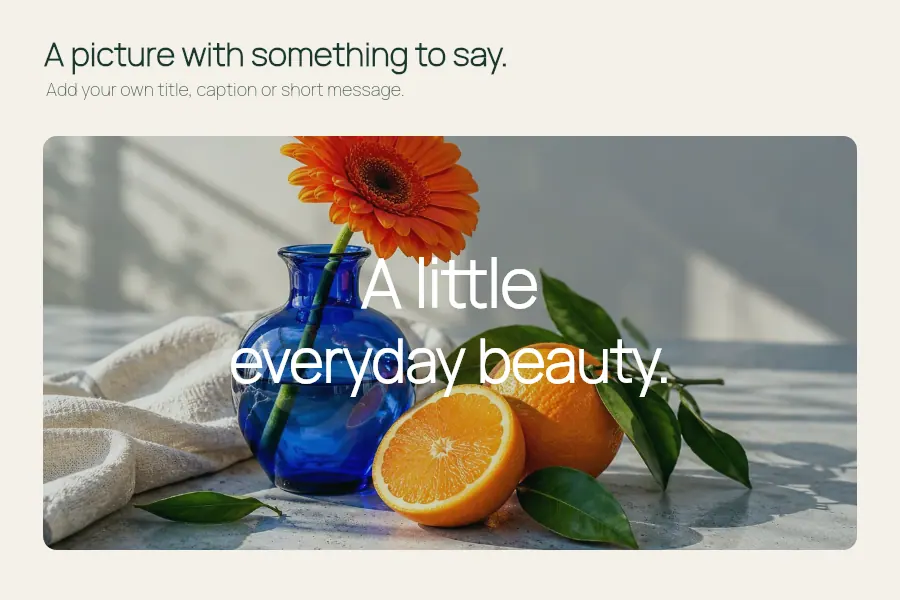
Put a title, caption or a thought on your own image.
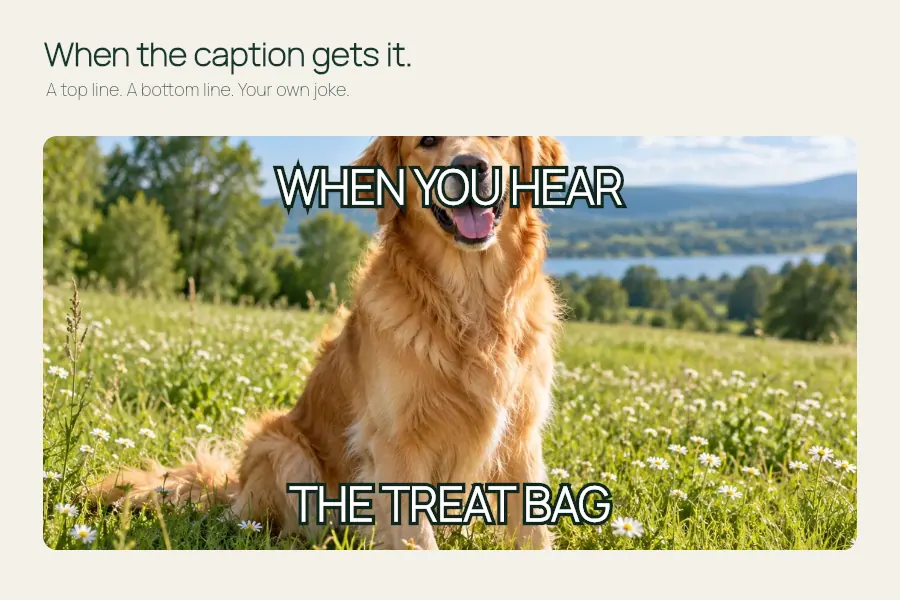
Make room for a good caption at the top and bottom.
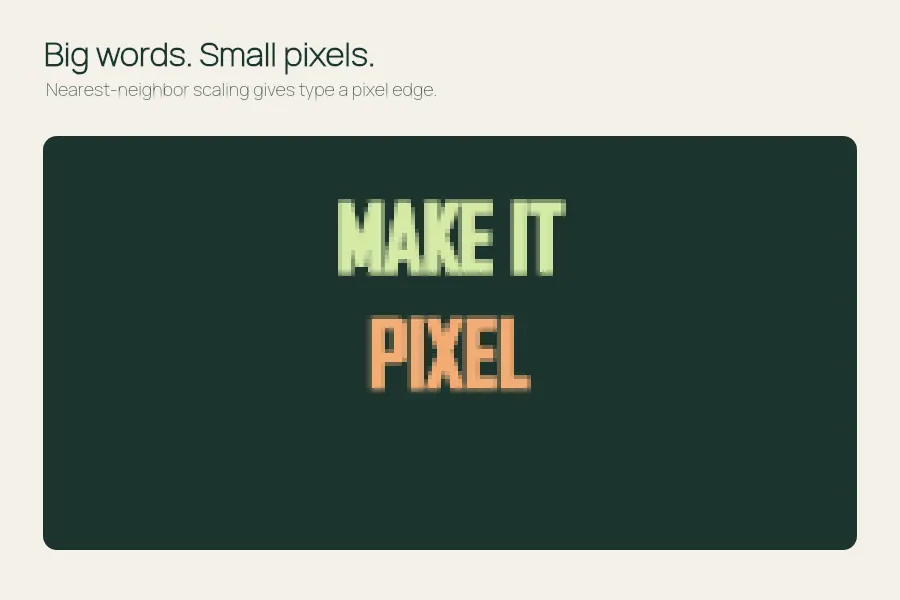
Give a few words a crisp, low-resolution personality.