
Text & social
Text to PNG↗
Turn a few words into a transparent image.
Check the title, canonical, headings and other discoverability signals in a page’s HTML.
Open the editor ↓
Inspect a public page that allows cross-origin reads, or paste its source. The score is the share of eight HTML checks passed.
Check the markup of a public page or a pasted HTML document. The eight checks give you a starting point for reviewing titles, headings, canonical and robots instructions, text, links and structured data.
Open the editor ↑Enter a public HTTPS page. If its server does not allow the browser to read it across origins, paste the page source instead. If the site renders its main content through JavaScript, also inspect the rendered page to see what the source omits.
Check whether the canonical matches the URL you intend to share and whether robots directives agree with that intent. Compare the title, H1 and visible introduction. Review structured data for claims the page actually supports.
After editing, compare the HTML with the prior version. Use your site’s search reporting or URL inspection to check discovery, crawling and indexing. Measure impressions and clicks separately from this score.
Reads at most 512 KB with a 10-second fetch limit and follows browser cross-origin permissions. The audit examines supplied HTML without running its scripts. Its score does not measure indexing, rankings or citations.
A browser can display a cross-origin page while preventing another site from reading its HTML. Paste the page source if you can access it.
Use the score to review the supplied markup. Read first-party query and landing-page reports to measure actual search performance.
Turn a few words into a transparent image.

Put a title, caption or a thought on your own image.
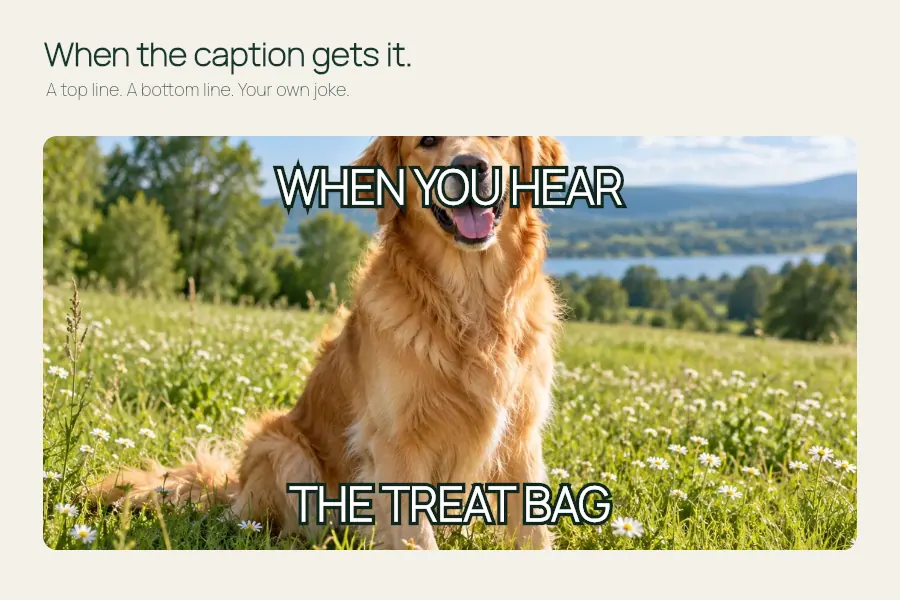
Make room for a good caption at the top and bottom.
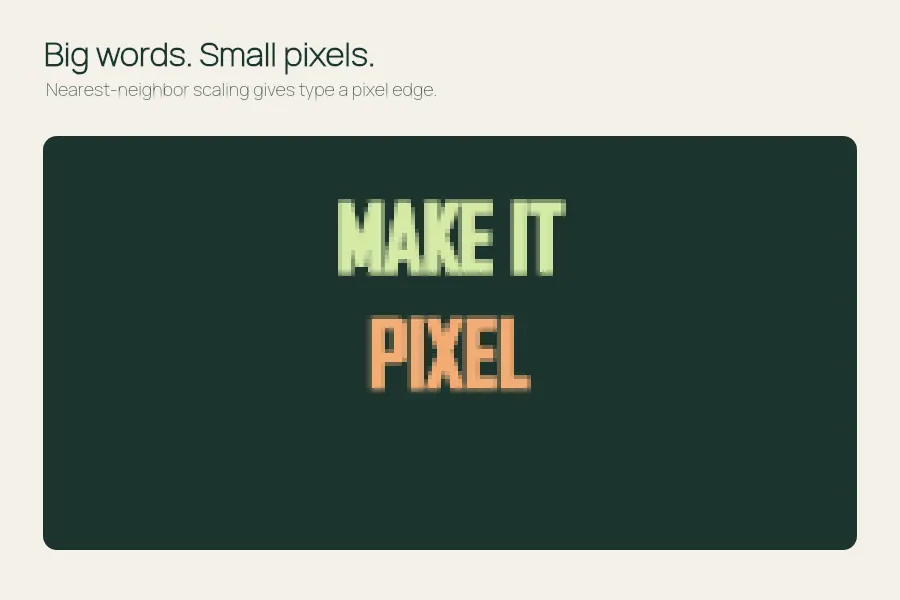
Give a few words a crisp, low-resolution personality.