Image editing
Crop Image↗
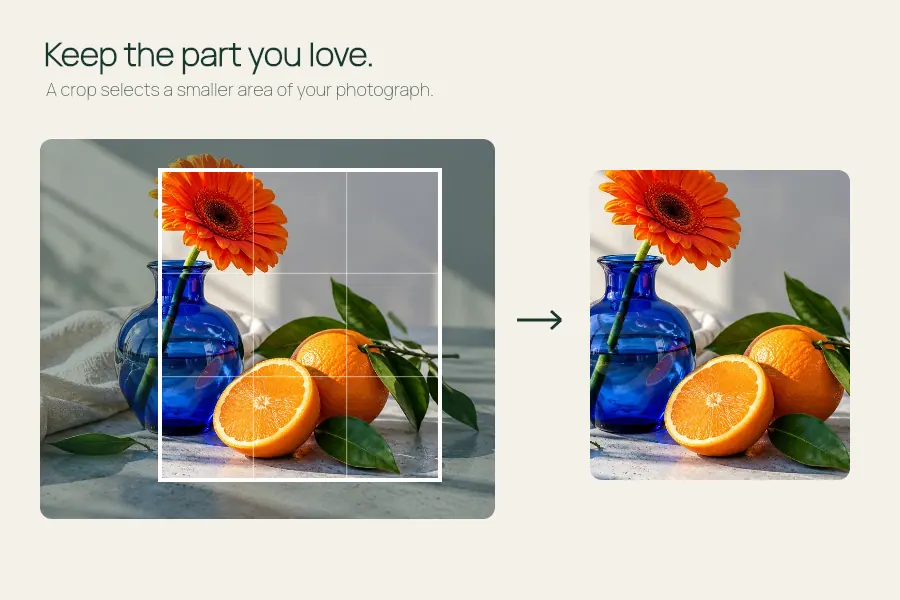
Keep the part of a photo that tells the story.
Enlarge a small image to twice its original width and height using a local Real-ESRGAN model.
Open the editor ↓
Real-ESRGAN estimates fine detail while doubling the image width and height.
Up to 12 MB and 512 pixels on the longest side. For larger files, start with Resize Image.
Your image stays on this device. The first conversion downloads up to 29 MB from EffectPop. Larger images can take a minute or more.
Your image appears here.
Your result appears here.
Use Real-ESRGAN to enlarge a PNG, JPEG or WebP whose longest side is at most 512 px. The model estimates edges and texture while doubling each dimension. Save the original for comparison.
Open the editor ↑Start with the sharpest original, preferably before messaging or social media compression. For an oversized file, crop the area you need or resize it within the model’s 512 px limit.
Allow time for the first model download and local processing. Compare faces, straight edges and small lettering at the intended display size. Model-generated details can look plausible while differing from the source.
Open the exported PNG beside the source. If a logo or important detail looks wrong, retain the original or use a conventional resize so the result remains suitable for the intended use.
Up to 12 MB and 512 px on the longest input side. This is a fixed 2× enlargement. The first conversion can download up to 29 MB and larger inputs can take a minute or more.
The model estimates new pixels. For evidence, documents and important lettering, use a higher-resolution original.
Use Resize Image for a specific width or height. The AI upscaler always doubles both dimensions.