Video tools
Freeze Frame↗
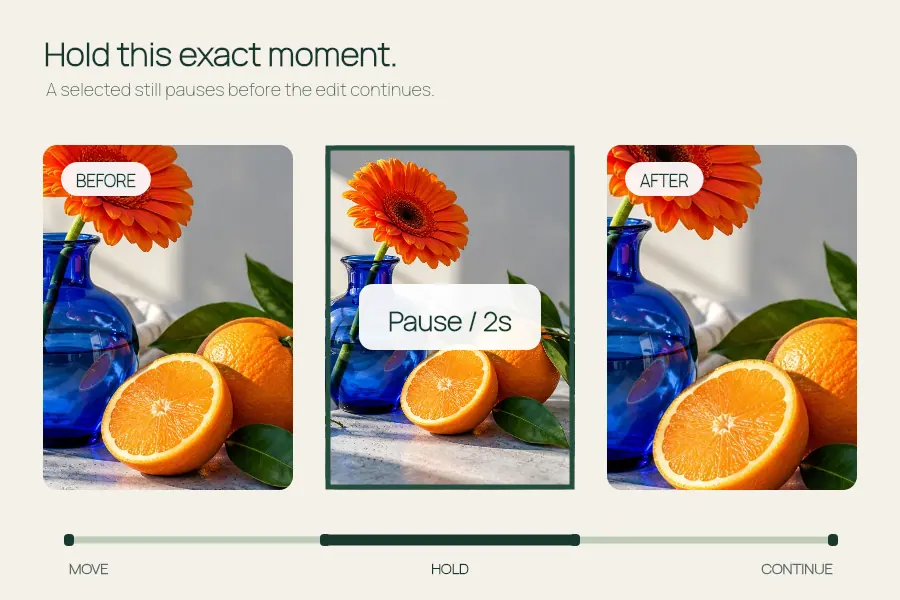
Pause a video moment with a clean hold or a skull edit overlay.
Make a dog photo video or pet slideshow with your photos, a title and optional music.
Open the editor ↓
Choose your own files or try the sample images.
Processed in your browser · No media upload
Export locally without an API key. The video format depends on your browser.
EffectPop’s dog photo video maker turns your pet pictures into a short slideshow with gentle zoom, a title and optional music. Add 1–8 photos, choose their order and export locally in your browser. It moves the photo framing; it does not use AI to make a dog walk, talk or change its pose.
Try these settings in the editor ↑Add JPG, PNG or WebP images, up to eight photos and 12 MB per file. A close-up and a wider scene can give the slideshow variety. The same tool also accepts cat photos and pictures of other pets.
Use the up and down buttons to reorder the photos. Add a short Video title, such as your pet’s name or a memory. The photos share the selected video length equally and play in that order.
Select 9:16, 3:4 or 1:1, then choose 6, 8, 10 or 12 seconds. Add a permitted audio file up to 20 MB if you want music. Each photo receives a gentle zoom; there is no separate motion-prompt control.
Play the preview to see whether your pet stays comfortably inside the frame. Try another aspect ratio or a different source photo if the crop is too tight. Keep the tab visible during export and listen to the exported result before downloading.
No. This tool makes a slideshow from existing pictures with a gentle camera-style zoom. It does not generate new frames of your pet, animate its body, add lip sync or use an AI API.
Yes. A single photo can fill the selected video length with the zoom treatment and your title. Add more photos for a slideshow; the editor supports up to eight and lets you reorder them.
You can add an MP3, WAV, OGG, M4A, AAC or WebM soundtrack up to 20 MB, subject to browser decoding support. Use audio you have permission to use. The editing preview is silent; the soundtrack is included in the exported video.
Your selected photos are processed in your browser without a media upload. Output is 24 fps at 540 × 960, 540 × 720 or 540 × 540. MP4 or WebM depends on browser support; this tool does not upscale photos or export HD.
Pause a video moment with a clean hold or a skull edit overlay.
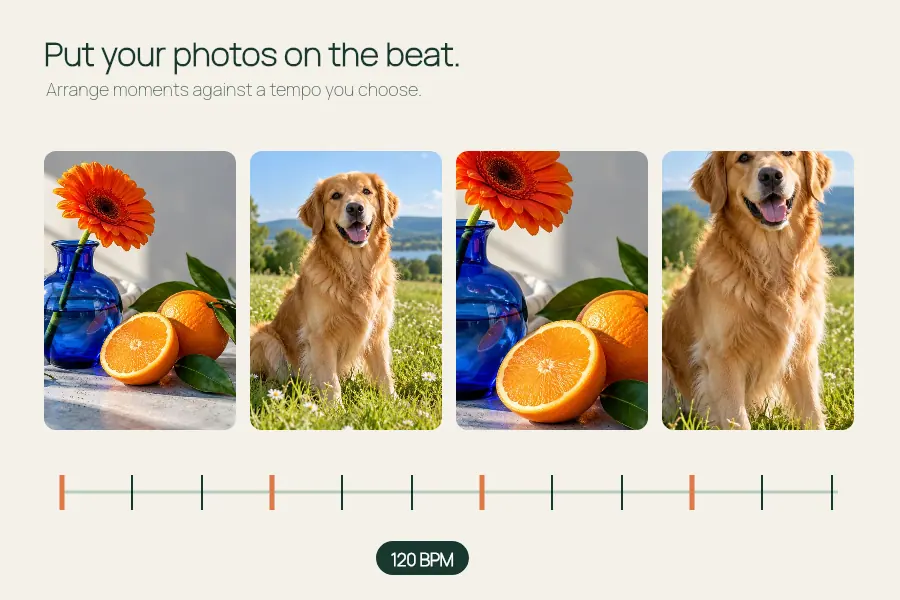
Set or estimate a steady BPM for a photo montage and export at 540 or 1080 px wide.
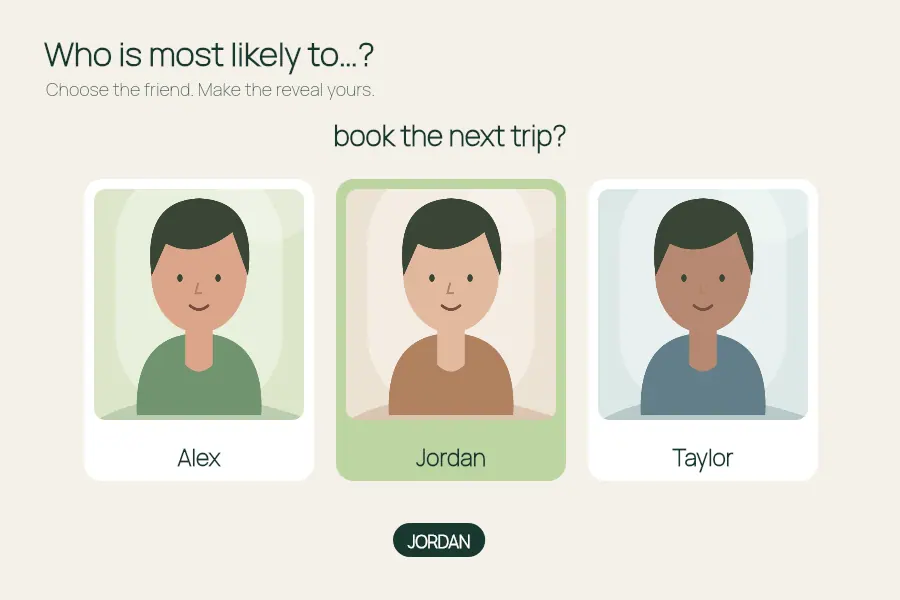
Make a most likely to video: add friends, ask a question and choose who to reveal.
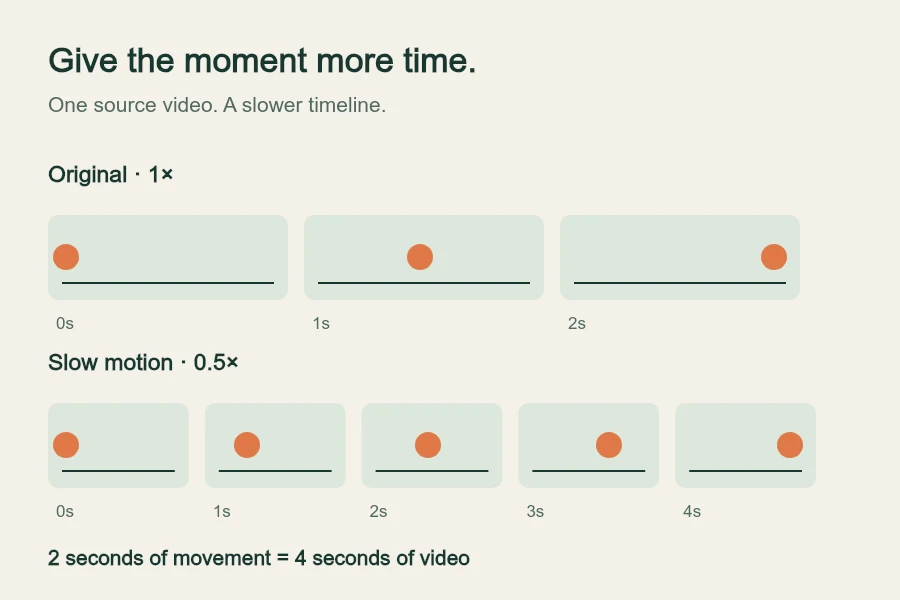
Slow a video to 0.25×, 0.5× or 0.75× and export up to 120 seconds at 540 or 1024 px wide.