Video tools
Freeze Frame↗
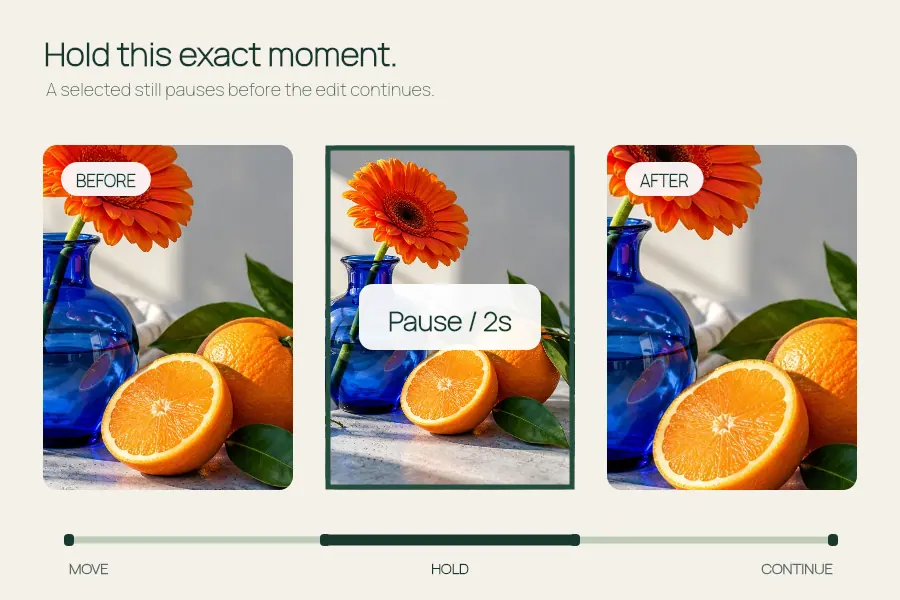
Pause a video moment with a clean hold or a skull edit overlay.
Set or estimate a steady BPM for a photo montage and export at 540 or 1080 px wide.
Open the editor ↓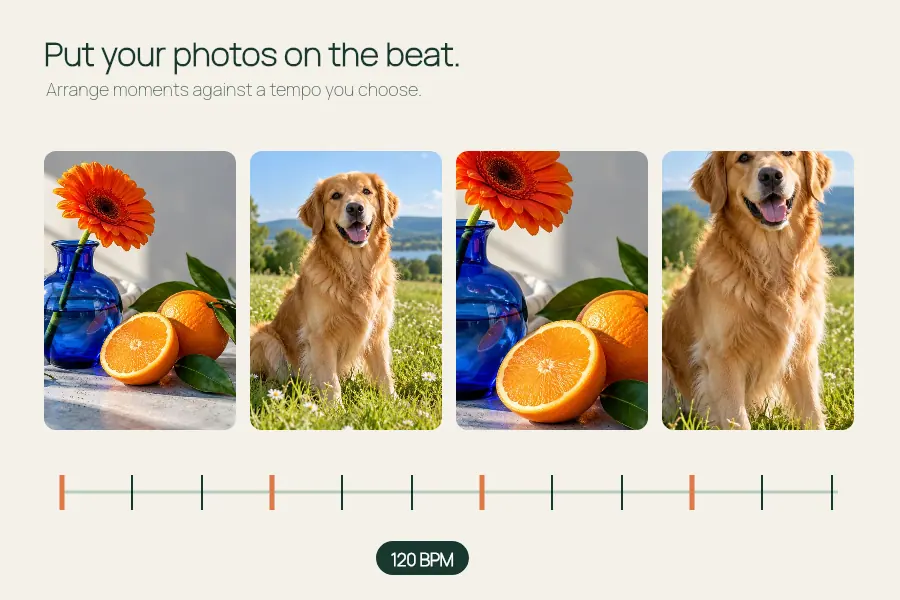
Choose your own files or try the sample images.
Processed in your browser · No media upload
Export locally without an API key. The video format depends on your browser.
Make a short photo montage with cuts, zoom pulses and adjustable shake. Enter a tempo or estimate a steady BPM from a soundtrack, then check the timing in the export. Photo changes follow a fixed beat grid starting at the beginning of the track.
Try these settings in the editor ↑Add 1–8 JPG, PNG or WebP images, up to 12 MB each. Move them up or down to set the sequence. Each beat advances to the next photo; the sequence repeats when it reaches the end.
Enter 60–180 BPM or add a soundtrack and choose Estimate BPM. The editor estimates a steady tempo from the first 30 seconds. The timing grid starts at the beginning of the soundtrack, so choose audio that starts on a beat.
Choose 6, 8, 10 or 12 seconds and a vertical, portrait or square frame. Adjust Shake intensity and write a short title. Add your own permitted soundtrack, up to 20 MB, or leave the video silent.
Use Play to check the image order and rhythm. Preview is silent; listen to the exported video to check the soundtrack. Keep this tab visible while exporting, then play the result before downloading it.
It looks for repeated accents in your soundtrack on your device. Use a track with a steady rhythm and verify the result in the preview. You can enter the tempo manually when the estimate is missing or sounds wrong. The cut grid starts at the beginning of the track.
This beat sync tool accepts photos. For a video clip with a held frame, use Freeze Frame. Uploading a clip here is not a supported way to create a beat-synced video edit.
The current tool is free to use without an API key. It decodes your selected photos and renders the video in your browser, without uploading those media files to EffectPop.
Choose 540 or 1080 pixels wide at 24 fps. Vertical output is 540 × 960 or 1080 × 1920, and the portrait and square options follow their aspect ratios. The browser selects MP4 or WebM according to encoder support.
Pause a video moment with a clean hold or a skull edit overlay.

Make a dog photo video or pet slideshow with your photos, a title and optional music.
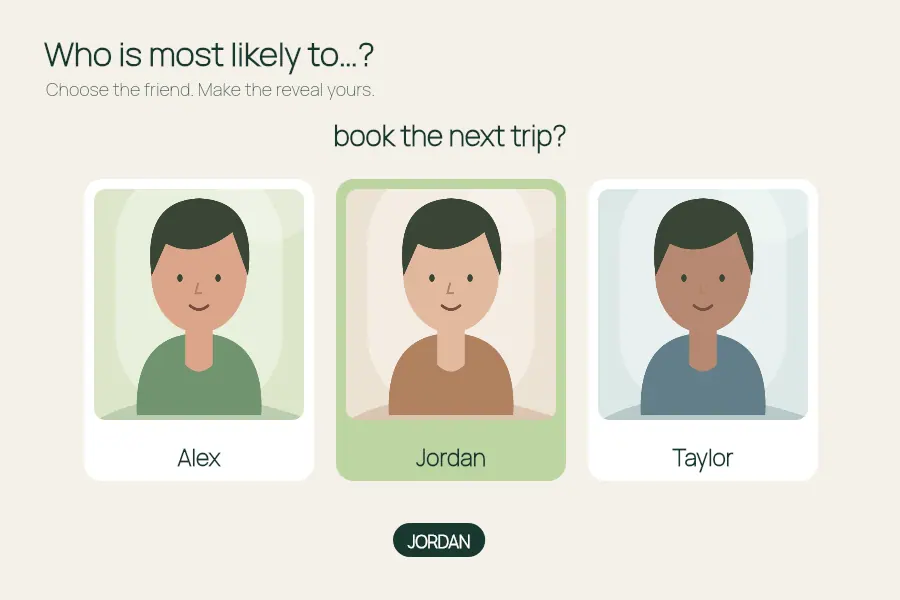
Make a most likely to video: add friends, ask a question and choose who to reveal.
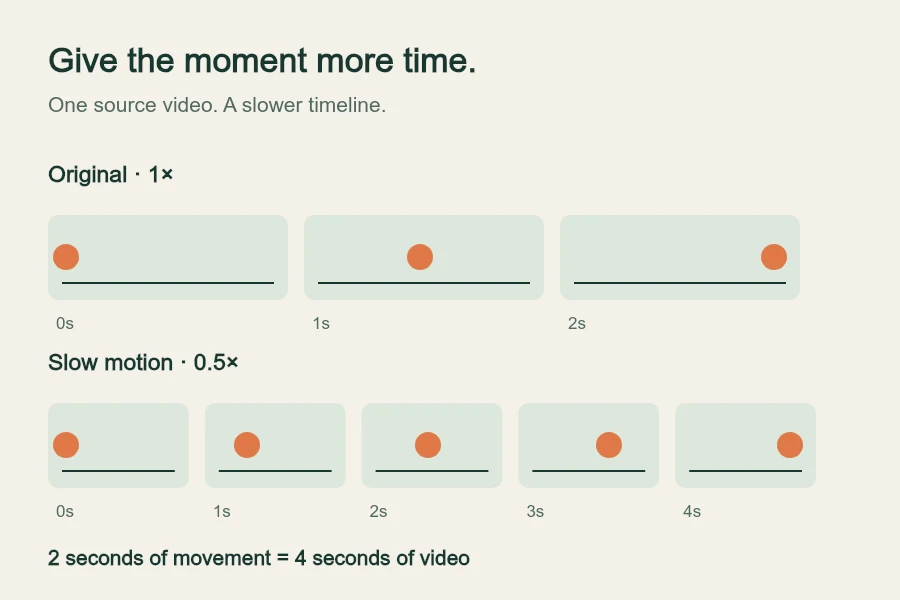
Slow a video to 0.25×, 0.5× or 0.75× and export up to 120 seconds at 540 or 1024 px wide.