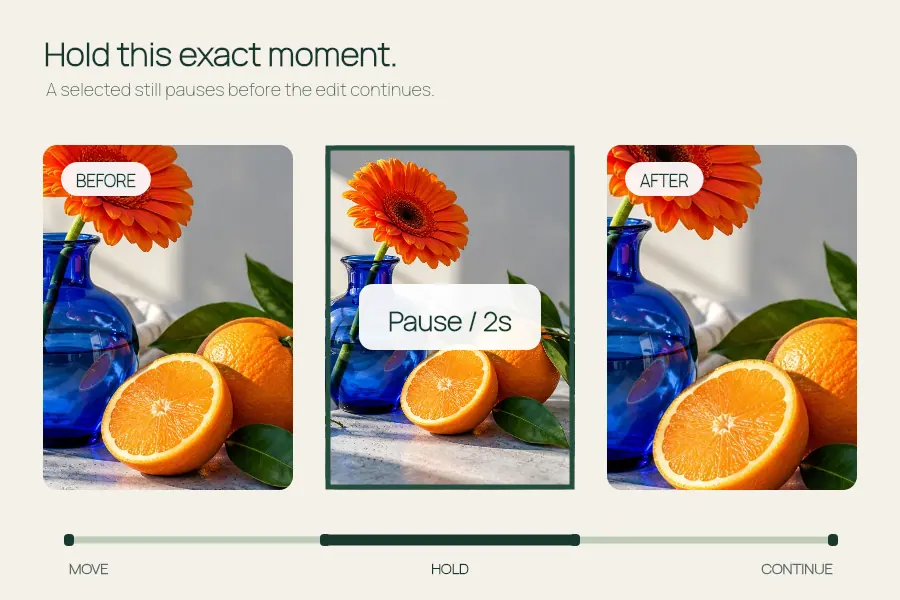
Video tools
Freeze Frame↗
Pause a video moment with a clean hold or a skull edit overlay.
Separate a portrait with a local AI model and turn it into a short push-in or sideways camera move.
Open the editor ↓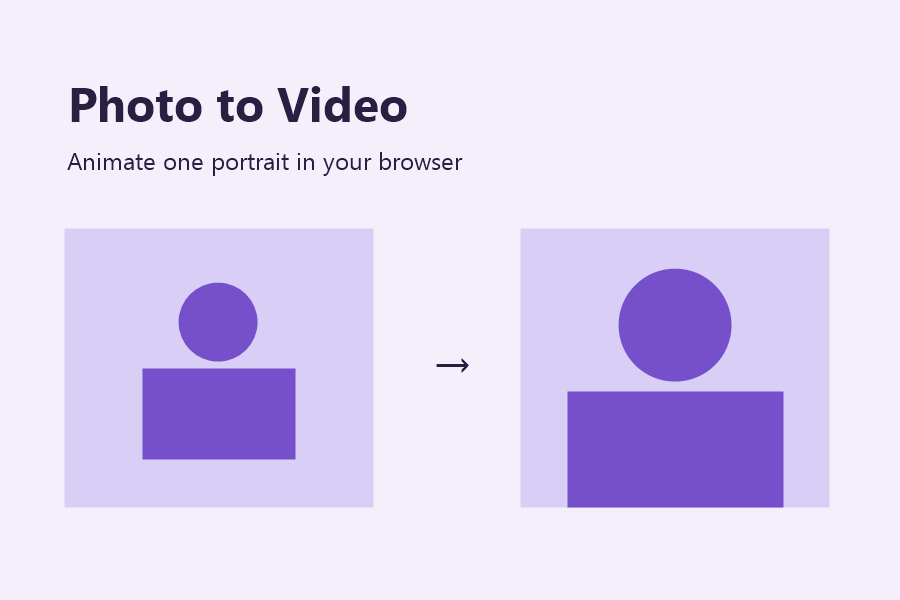
Pick one person with visible space around them. The portrait and soft-focus backdrop move as separate layers.
Photos up to 12 MB and 24 megapixels. Export is silent at 24 fps.
Your photo stays on this device. The first export downloads about 18 MB from EffectPop. Export uses MP4 where available and WebM on supported browsers.
Your photo appears here.
Your video appears here.
Choose a still portrait of one person. The editor separates the subject from a soft-focus background and moves the two layers at different speeds. Use a push-in for emphasis or a sideways drift to add gentle movement.
Open the editor ↑Use a clear portrait with visible shoulders and enough room near the top and edges. A tightly cropped face or crowded background makes it harder to keep the framing consistent during the move.
Use the vertical frame for a short story or square for a feed tile. Pick three seconds for a quick intro or six for a slower move. Use a push-in when the subject is centered and a sideways drift when there is room on the sides.
The first export downloads the portrait model. Play the result from start to end and watch the hairline and frame edges. Add a soundtrack separately if the final edit needs sound.
Accepts portraits up to 12 MB and 24 megapixels. Exports silent 24 fps clips at 540 × 960 or 540 × 540. The motion is applied to layers of the existing image. The tool does not animate facial expressions or generate new scenes.
On a compatible browser, the export can use WebM. Check which format the editor offers before building a workflow around a particular file type.
Use Beat Sync or Pet Slideshow for a sequence of photos. Photo to Video animates a single portrait.
Pause a video moment with a clean hold or a skull edit overlay.
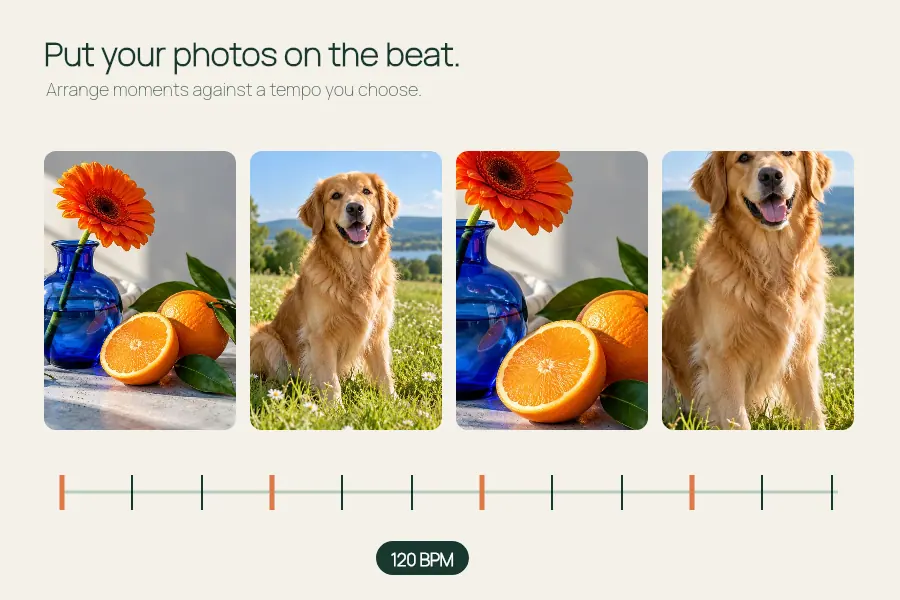
Set or estimate a steady BPM for a photo montage and export at 540 or 1080 px wide.
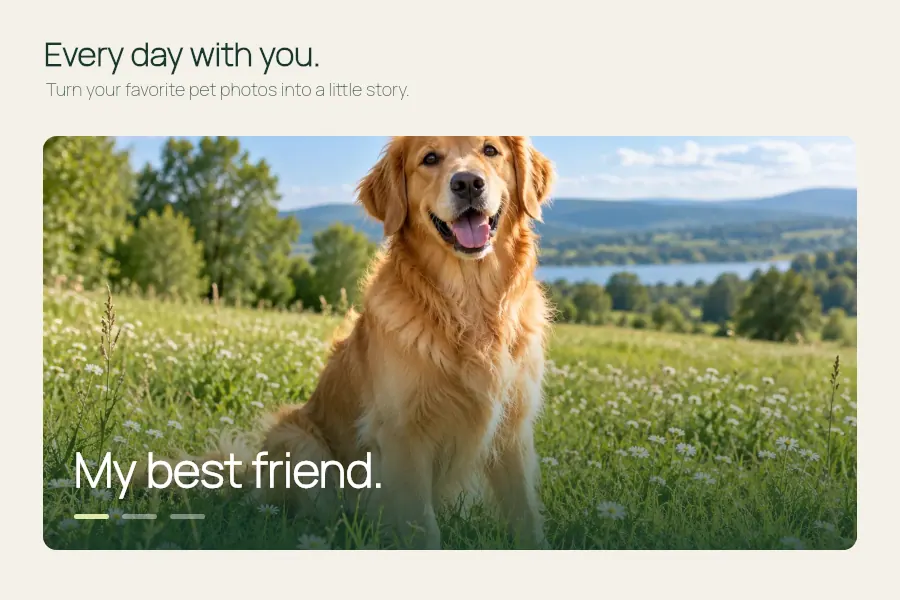
Make a dog photo video or pet slideshow with your photos, a title and optional music.
Make a most likely to video: add friends, ask a question and choose who to reveal.