Image editing
Crop Image↗
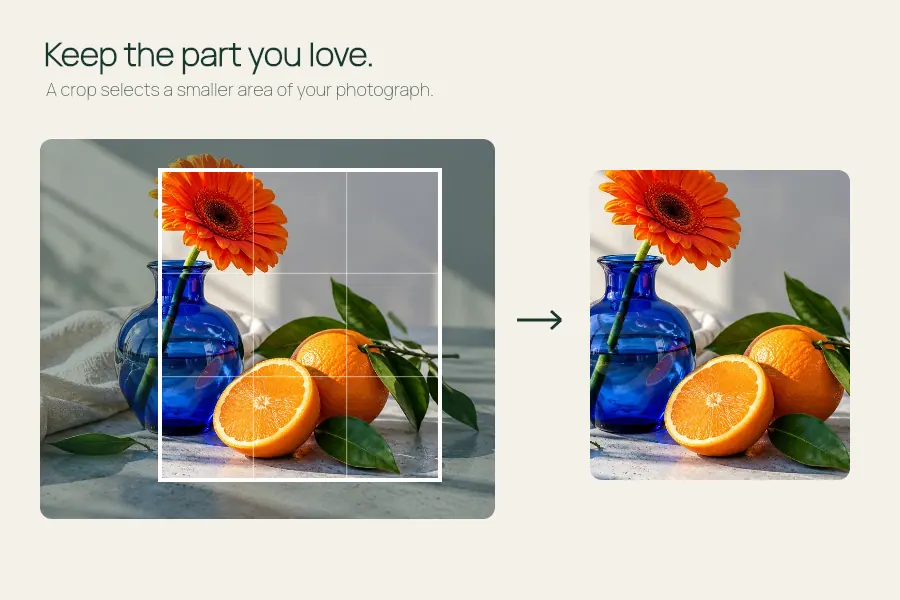
Keep the part of a photo that tells the story.
Remove overlapping screenshot rows, adjust joins, hide private details and export a long image or paged PDF.
Open the editor ↓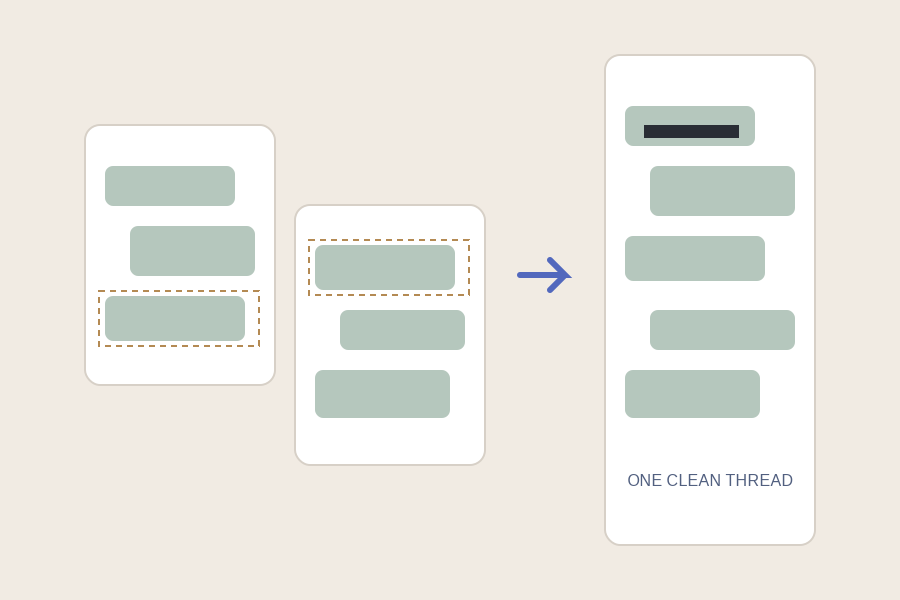
Your images are processed on this device. No upload, account or watermark required. Download your work before leaving; this editor does not save your images.
Add two or more screenshots. Shared content can be detected and removed at each join.
Keep a shared section visible as you scroll between screenshots. The editor compares image rows to estimate their overlap; inspect each join before sharing.
Open the editor ↑Use screenshots of the same conversation or page, taken at the same zoom. Put them in reading order and leave an overlapping section between neighbors.
Inspect automatic matches and use the overlap controls to fix uncertain joins. When no reliable match exists, leave overlap at zero. Use solid blocks for names, codes and account details.
A single long image is convenient for reading on screen. Paged PDF or social-size slices preserve legibility when a full-length image would become too small.
Automatic overlap detection is an estimate, not OCR or content verification. Review all joins for missing or duplicated text. The maximum image canvas is 16 million pixels; use pages for longer results. Solid redaction is flattened into output pixels. Source screenshots remain unchanged on your device.
Yes, with overlap set to zero. The tool cannot recover content skipped between screenshots; retake a screenshot if a passage is missing.