Text & social
Text to PNG↗
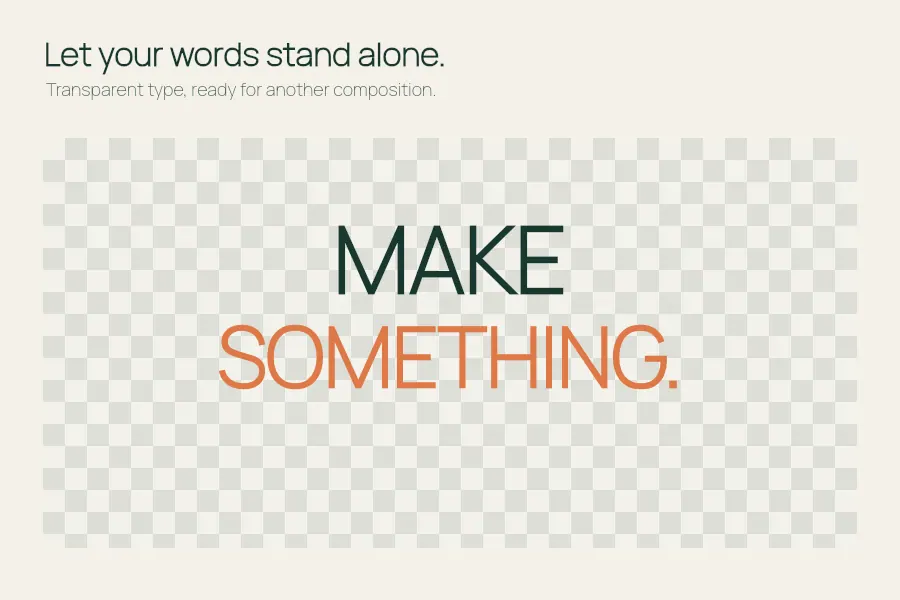
Turn a few words into a transparent image.
Arrange photos across continuous Instagram slides, choose a layout and download numbered slides with a cover.
Open the editor ↓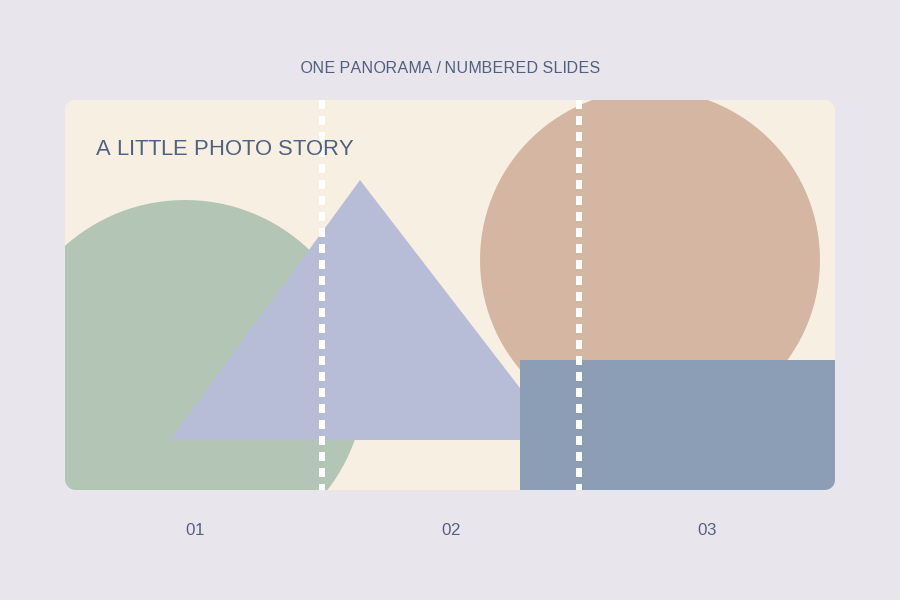
Your images are processed on this device. No upload, account or watermark required. Download your work before leaving; this editor does not save your images.
Drop photos anywhere in the editor, or paste.
Your images stay in this browser session. Up to 24 photos, 20 MB each, 60 megapixels combined. 3–10 slides; ZIP limit 100 MB. Story and Reels covers are 1080 × 1920, using the first slide.
Swipe or scroll horizontally. The dashed guides show where the PNG slides will be cut. Guides stay out of your export.
4 × 1080 × 1350px · Full canvas 4320 × 1350px
Add photos or try the original sample artwork to start. Every template places all your photos on one canvas before cutting it into slides.
Remove a photo background before adding a cutout, if you need one.
A seamless carousel is one wide composition cut into equal-width slides. Photos that cross a cut join again as the viewer swipes. Keep important faces and text clear of the boundaries.
Open the editor ↑Choose photos with enough resolution for 1080-pixel-wide slides, or try the original geometric sample artwork. Reorder the photos before choosing a layout.
Choose the number and ratio of slides. Adjust the photos and text, and inspect every cut line. More slides produce a wider composition, not more source detail.
Export the ZIP and select slide files in numeric order when posting. The Story/Reels cover is a separate asset: do not include it in the carousel selection.
This tool makes photo layouts and image files; it does not publish to Instagram or generate written posts with AI. Check the receiving app’s crop preview. Exported slides have identical dimensions and must be posted at the same ratio. Editors currently use English controls.
A receiving app may crop individual slides or change their ratio. Upload the numbered slides at their original matching dimensions and inspect the posting preview.
Turn a few words into a transparent image.
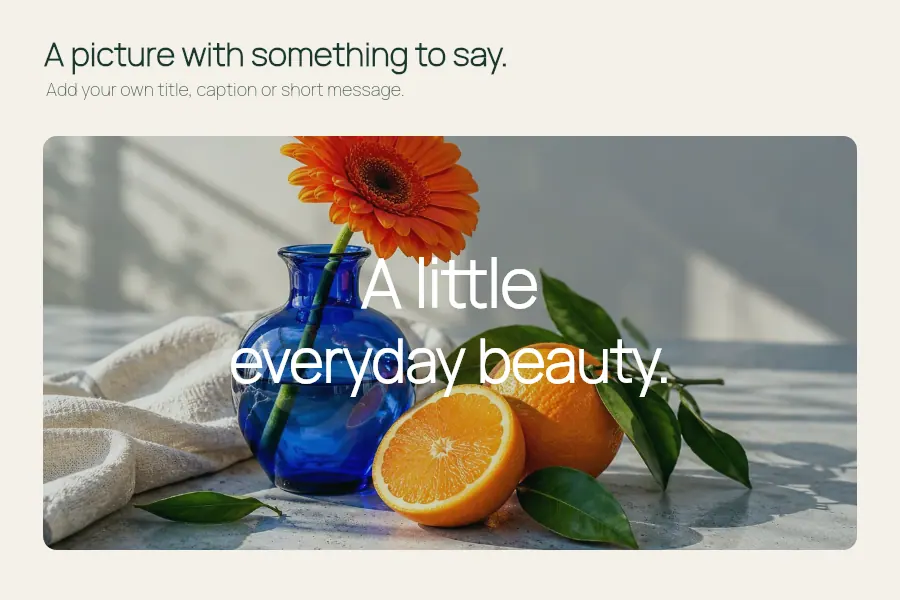
Put a title, caption or a thought on your own image.
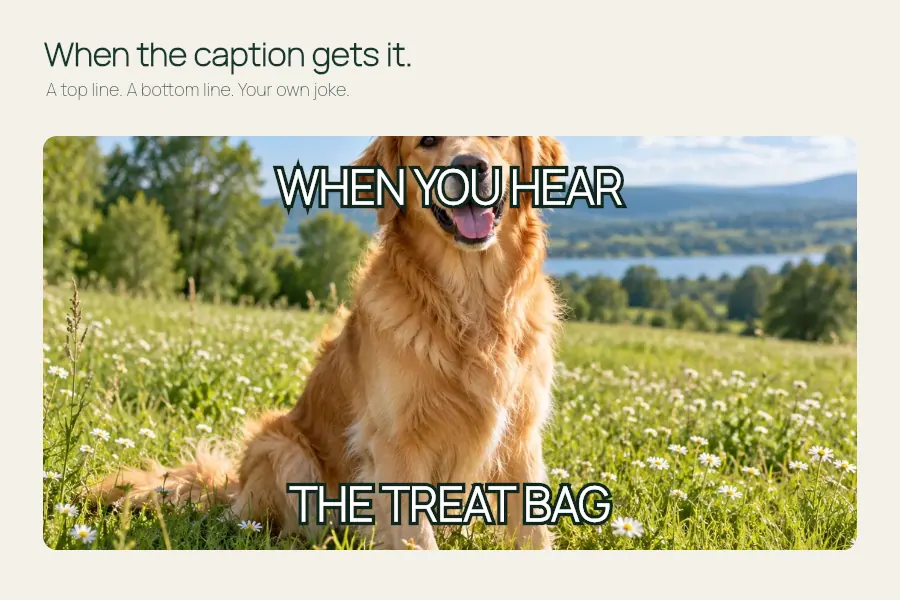
Make room for a good caption at the top and bottom.
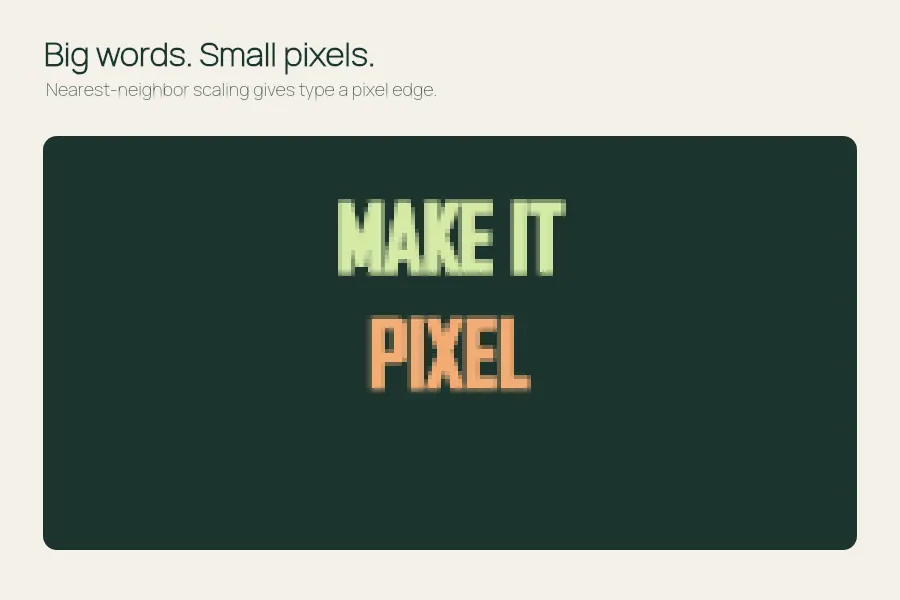
Give a few words a crisp, low-resolution personality.