Image editing
Crop Image↗
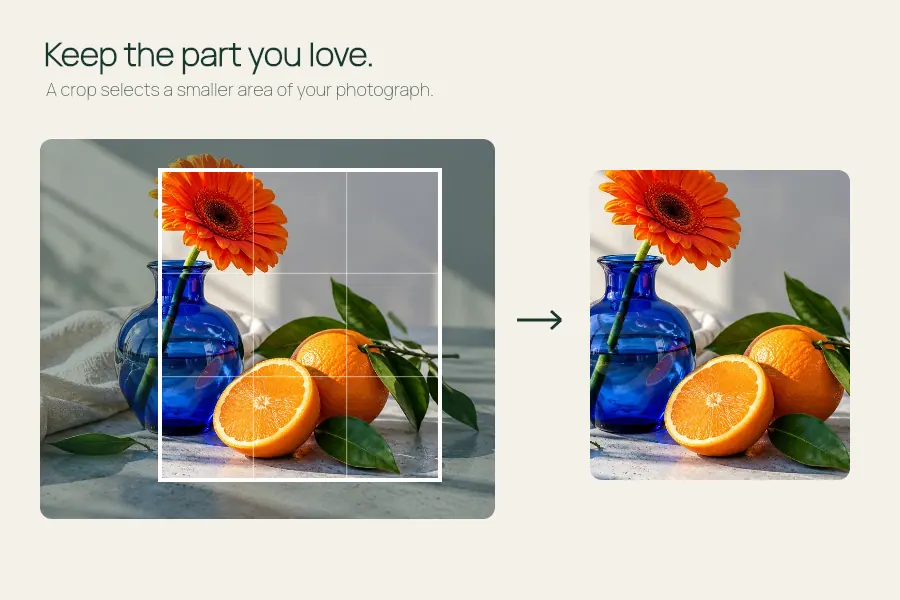
Keep the part of a photo that tells the story.
Straighten two card photos, add a purpose watermark and print both sides at actual size on A4 or Letter.
Open the editor ↓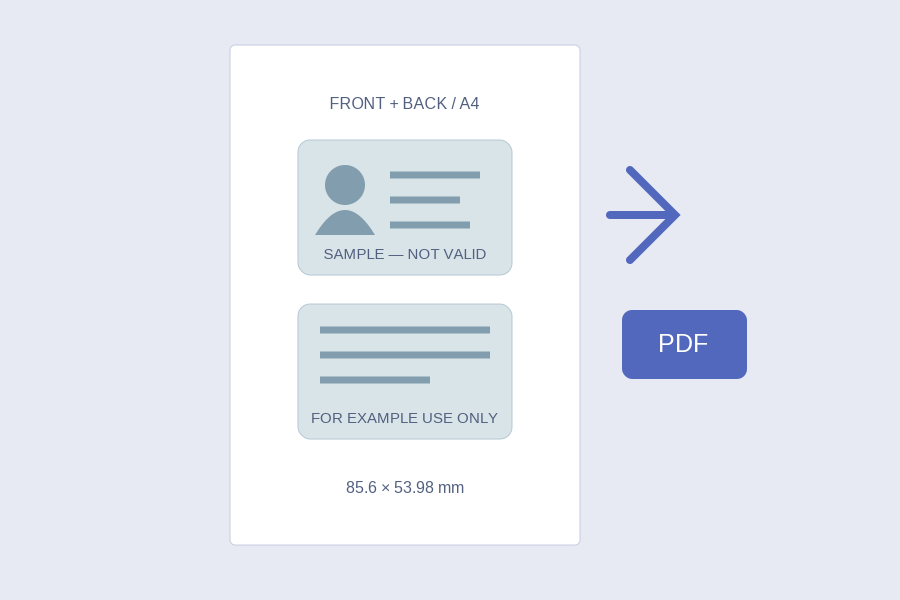
Your images are processed on this device. No upload, account or watermark required. Download your work before leaving; this editor does not save your images.
All image processing happens in this browser. Images and watermark text stay out of share URLs. No document upload is needed.
Drop up to two images here, or focus this box and paste an image for the selected side. With two images, the first becomes the selected side.
No front image selected.
A4 · 1 pair(s) · 12 mm minimum margins · 8 mm between cards.
A photo has pixels, but a printer needs physical dimensions. This editor rectifies the selected card area and places an ID-1 card at 85.6 × 53.98 mm inside the PDF.
Open the editor ↑Use a plain contrasting background and avoid glare. The example uses a fictional SAMPLE card; no real identity document is required to try it.
Move the handles onto the card corners and confirm its orientation. Automatic detection is a starting point: inspect the result and correct the selection when needed.
Set A4 or US Letter and add the recipient or purpose as a watermark. Download the PDF and print at Actual size or 100%, then verify the width with a ruler.
ID-1 card size is 85.6 × 53.98 mm. Real print size depends on the viewer and printer settings: turn off Fit to page. Watermarks communicate intended use but do not guarantee that a copy cannot be misused. Images stay in the current tab and are not saved by this editor.
Fit to page can reduce the whole sheet to the printable area. Select Actual size or 100% and compare the printed card width with 85.6 mm.