Edición de imágenes
Anverso y reverso del documento en una hoja
Endereza dos fotos y coloca las dos caras a tamaño real en A4 o Carta. Todo se procesa en tu dispositivo; los controles del editor están en inglés.
Sin registro. Tus archivos se procesan en el navegador.
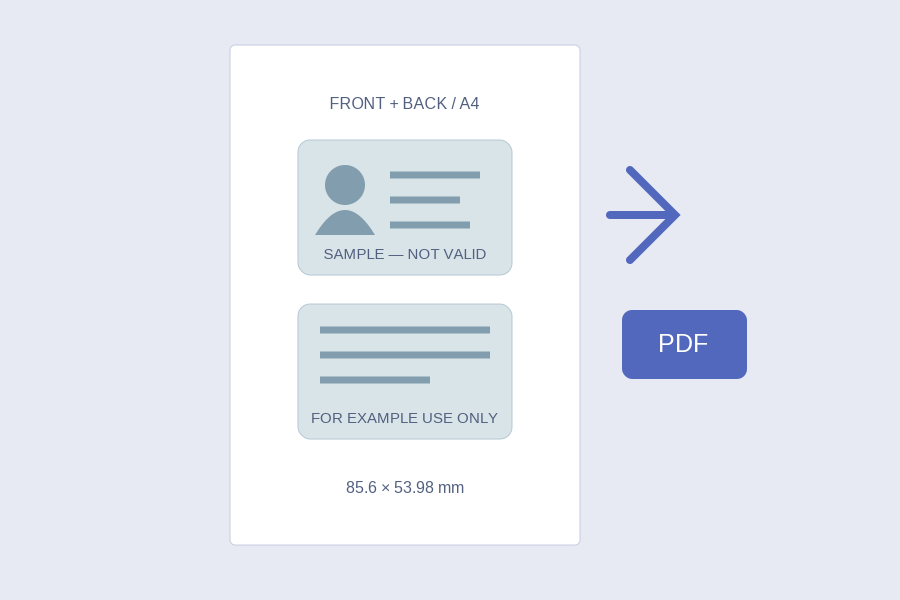
Los controles del editor están en inglés.
Your images are processed on this device. No upload, account or watermark required. Download your work before leaving; this editor does not save your images.
All image processing happens in this browser. Images and watermark text stay out of share URLs. No document upload is needed.
1. Add both sides
Front corner correction
Drop up to two images here, or focus this box and paste an image for the selected side. With two images, the first becomes the selected side.
No front image selected.
Print page preview
A4 · 1 pair(s) · 12 mm minimum margins · 8 mm between cards.
Cómo usar esta herramienta
- Añade las dos fotos o prueba las tarjetas ficticias de ejemplo.
- Ajusta las cuatro esquinas, el papel y la marca de agua de uso.
- Descarga el PDF e imprime al 100 %; comprueba las medidas con una regla.