EffectPopのホーム
画像編集
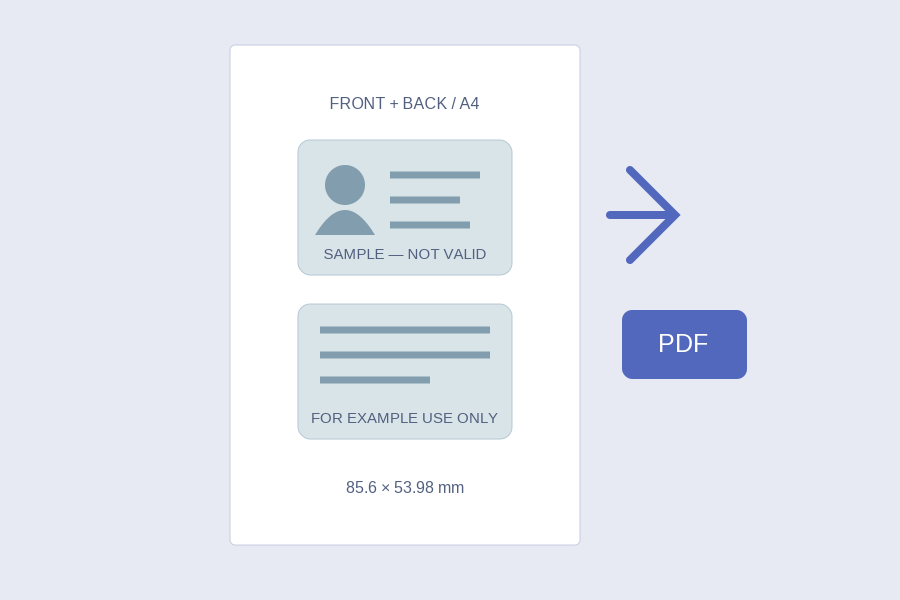
カードの表裏を1枚に配置
カード写真の傾きを補正し、A4またはレター用紙に実寸で配置します。画像は端末内で処理します。編集画面は英語です。
登録不要。ファイルはブラウザー内で処理されます。
エディターの操作項目は英語で表示されます。
Your images are processed on this device. No upload, account or watermark required. Download your work before leaving; this editor does not save your images.
All image processing happens in this browser. Images and watermark text stay out of share URLs. No document upload is needed.
1. Add both sides
Front corner correction
Drop up to two images here, or focus this box and paste an image for the selected side. With two images, the first becomes the selected side.
No front image selected.
Print page preview
A4 · 1 pair(s) · 12 mm minimum margins · 8 mm between cards.
Add both sides, or try a fictional sample.
このツールの使い方
- 表裏の写真を追加するか、架空のサンプルカードを試します。
- 四隅、用紙と用途の透かしを調整します。
- PDFを書き出し、倍率100%で印刷して定規で実寸を確認します。