Video tools
Freeze Frame↗
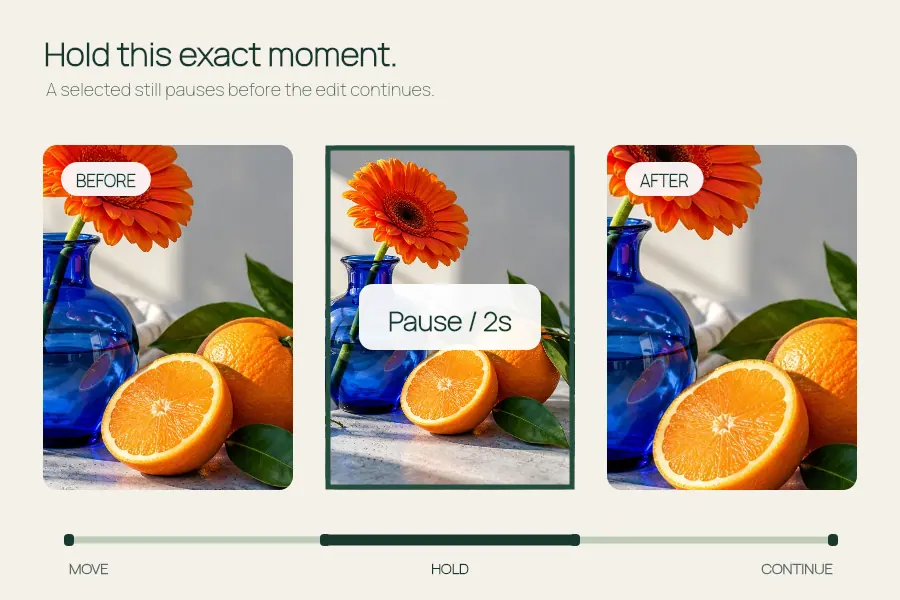
Pause a video moment with a clean hold or a skull edit overlay.
Generate English captions for a short clip, edit the timing and download an SRT subtitle file.
Open the editor ↓
Up to 60 MB and 120 seconds. Caption editing happens in your browser.
Auto captions support English speech in files up to 30 seconds. About 65 MB of model and runtime files load on demand.
Set start and end times in seconds. Play the video to preview your captions.
SRT is a separate subtitle file. Import it into a compatible video editor or player.
Captioned video
Make the text part of the picture. Up to 30 seconds, 540 pixels wide and 24 fps.
For a short clip with English speech, generate draft captions on your device. Review the words and timing, then download an SRT sidecar or encode the captions directly into a supported video export.
Open the editor ↑Open an MP4 or WebM the browser can decode. Use automatic English captions for a clip of 30 seconds or less, or pause the preview and add a cue at the playhead.
Correct names, numbers and punctuation. Play across the start and end of each line. Move a cue if it appears early or covers a different speaker, and keep each line short enough to read.
Download SRT when the player supports a separate subtitle file. For always-visible captions, burn them into an eligible clip and play the final video to check caption placement and sound.
Input up to 60 MB and 120 seconds. Automatic English speech recognition and caption burn-in each support clips up to 30 seconds. Manual editing supports up to 100 cues. Encoding support and audio preservation depend on the browser.
Automatic recognition is English. You can type captions in other languages using the manual editor.
Yes if you may need to correct captions later or offer a selectable subtitle track. Burned captions become part of the picture.
Pause a video moment with a clean hold or a skull edit overlay.
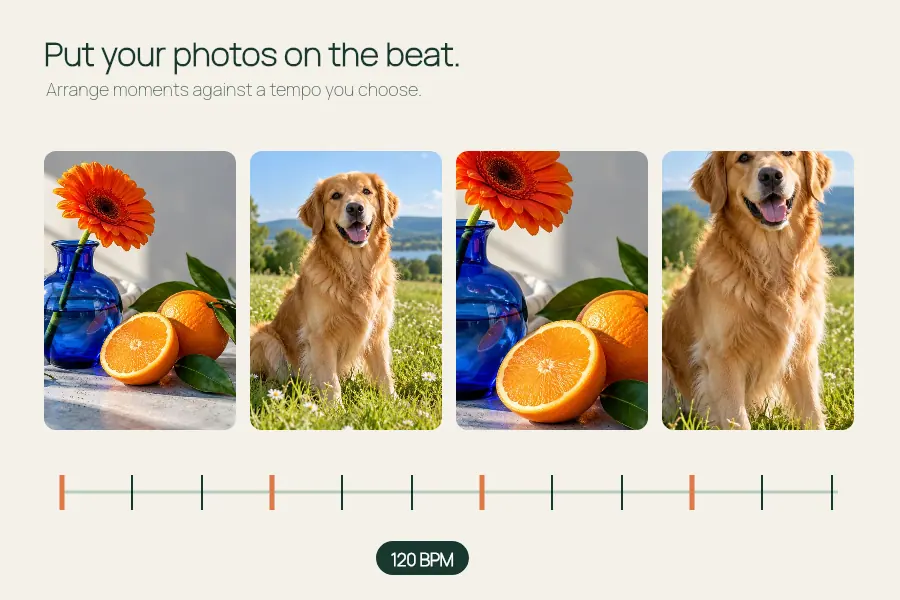
Set or estimate a steady BPM for a photo montage and export at 540 or 1080 px wide.
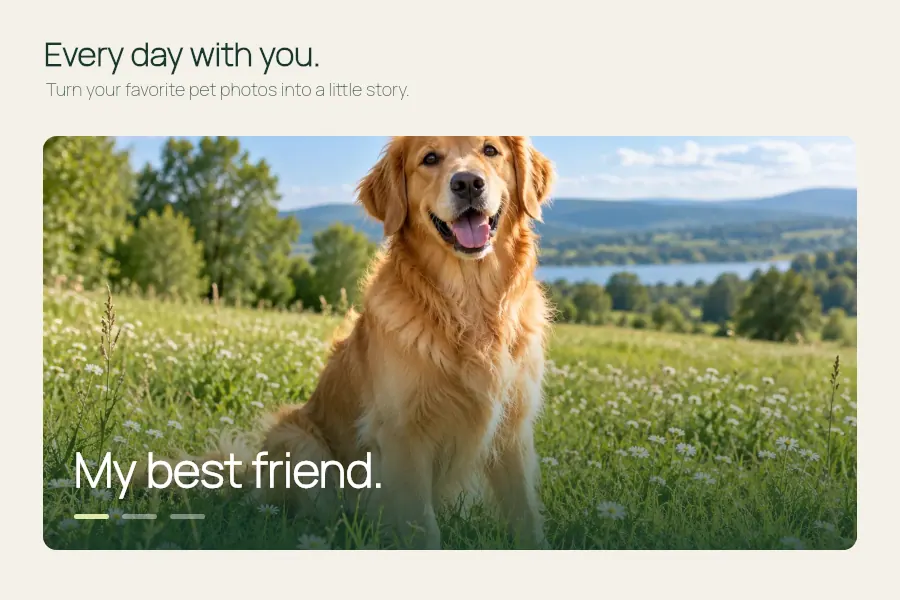
Make a dog photo video or pet slideshow with your photos, a title and optional music.
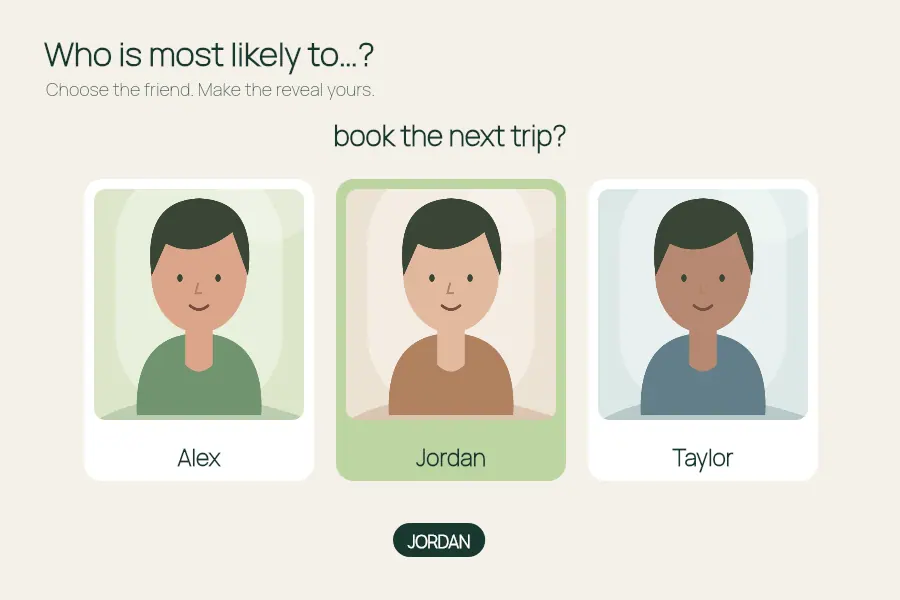
Make a most likely to video: add friends, ask a question and choose who to reveal.